Welcome to LaVid
Your Electrician Launchpad
Everything you need to automate reviews, streamline invoices and grow your business.
Secure. Simple. Built for electricians.

Get Your System Set Up
Follow these simple steps to get everything running smoothly.

Welcome to LaVid
Your all-in-one platform to collect more reviews, send professional invoices and get paid faster.
Automated review requests
Professional invoicing
Secure payments with Stripe
Insights that help you grow
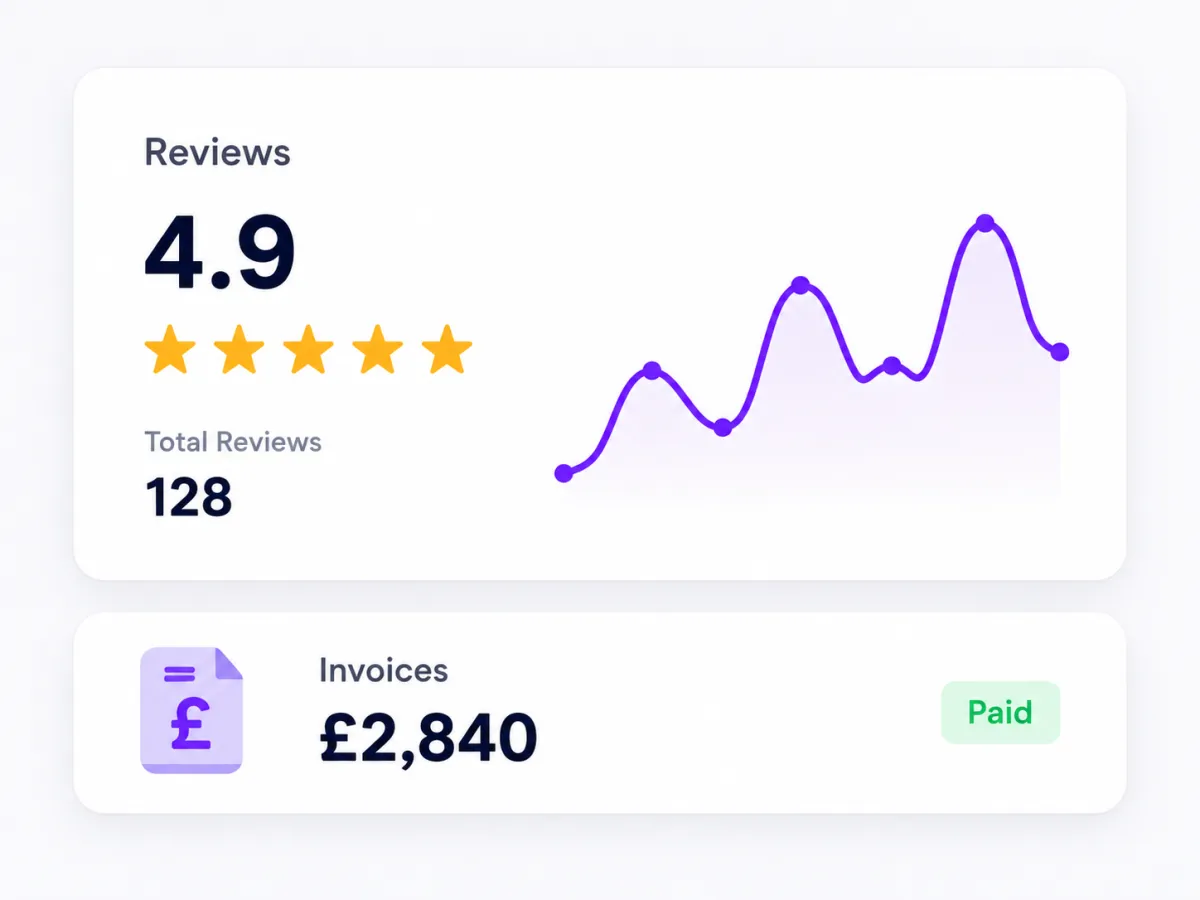

Get More 5-Star Reviews
Automate review requests and build trust with every happy customer.
Smart timing for review requests
Customisable messages
Handle negative feedback privately
See your reviews grow
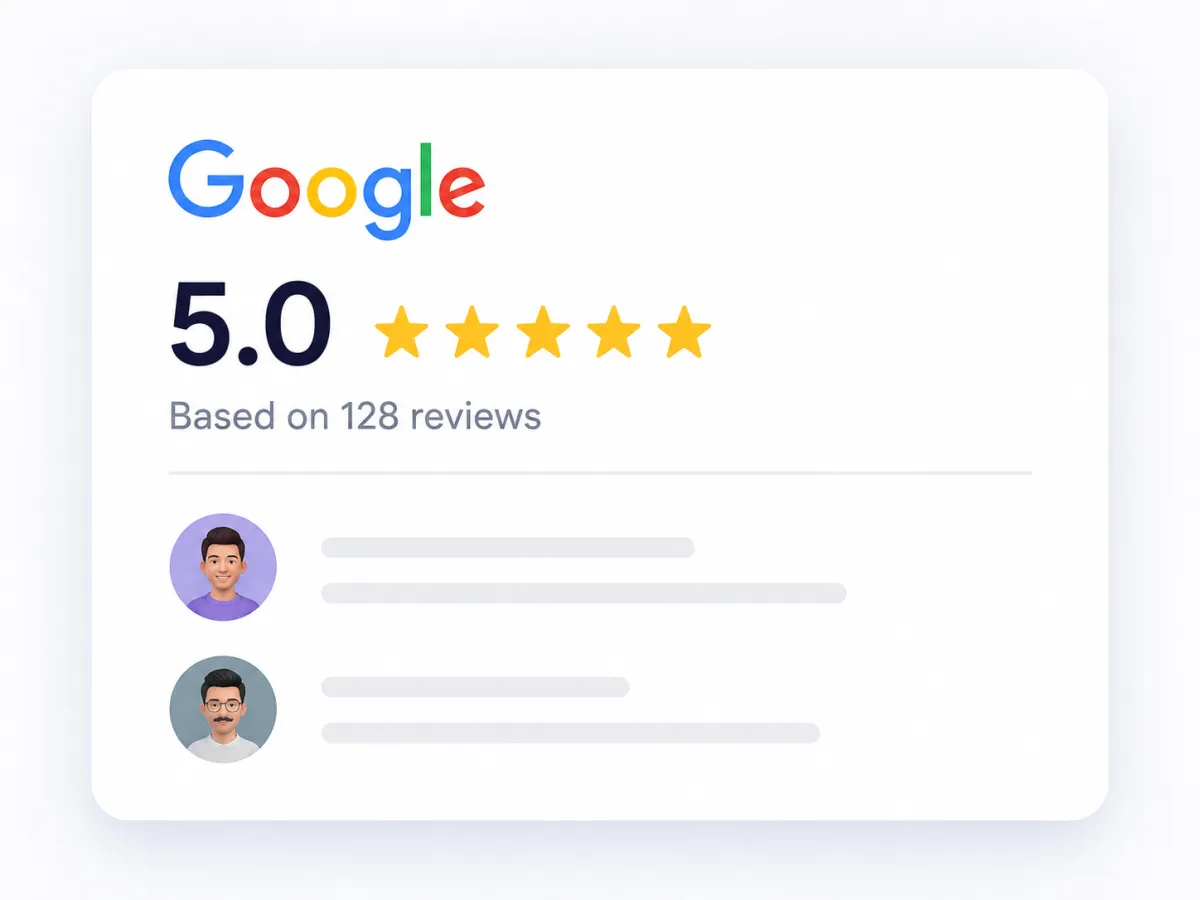

Create & Send Invoices
Create professional invoices, get paid online and manage everything in one place.
Custom invoices with your branding
Accept card payments securely
Automated reminders
Track payments & history

Secure & Reliable
Your data is protected with high-grade security

Built for Electricians
Designed specifically for trade businesses

Expert Support
We're here to help you every step of the way

Grow Your Business
Save time, impress customers and win more jobs
Need Help Getting Started?
Our team is here to help you get everything set up perfectly

Ready to Get Started?
Let's set up your system and start growing your business
Register For Weekly Live Calls
Real Talk Lenders-To-Lenders Session

Tuesday 10am PST / 1pm EST
Peak Performers Session With Preston

Wednesday 1pm PST / 4pm EST
Ninjas Session
With McBilly

Thursday 1pm PST / 4pm EST
Beyond the App With Jackie Dunlap
Friday 10am PST / 1pm EST
6 Daily Activities For Success:
1. Task List Review
Take note of any tasks that were not completed the day before. Create a daily to-do list and determine which tasks are the most time-sensitive. Any issues with a file that require help from underwriters or processing should be addressed asap and not left until the end of day.
CLICK HERE for more in-depth instructions
2. Appointments
Review your calendar to see which appointments you have for that day. Commit to showing up on those booked appointments.
CLICK HERE for more in-depth instructions
3. Follow Up On Docs Requested
For leads who have started the application process but have not yet sent in the required documents: Reach out to them and ask if they need any help sending in documents. You can use the “Docs Requested Follow Up” template when reaching out to these leads.
CLICK HERE for more in-depth instructions
4. Follow Up On No Shows
For leads who booked an appointment with you but didn’t show up: Reach out to these leads to get them rescheduled. You can use the “No Show Follow Up” template when reaching out to these leads.
CLICK HERE for more in-depth instructions
5. Follow Up On In-Contact
Leads that fall under the “In-Contact” stage are waiting on you to respond to their latest message or phone call. Make sure to respond to them in a timely manner. If the lead last contacted you via email, you should respond to them via email. If they last contacted you via text, respond via text. If they last contacted you via phone call, respond via phone call.
CLICK HERE for more in-depth instructions
6. Powerdial Leads
For “New Leads” who have entered your pipeline but have yet to schedule an appointment with you: Use your powerdialer feature to quickly and efficiently call this list of leads. To learn how to effectively powerdial leads, click here.
CLICK HERE for more in-depth instructions
Tools & Resources







My Personal Links
Calendar Links
Hero Home Program Page - For New Leads Eligibility Call
https://www.herohomeprogram.com/az-john-doe
General Calendar - w/General Appt Reminders
https://www.herohomeprogram.com/az111-mycalendar
Realtor Partner Calendar
https://www.homeheroprograms.com/az111-1-re
Call Funnels
First Time Home Buyer
https://www.homeheroprograms.com/az111-home-buyer
Healthcare
https://www.homeheroprograms.com/az111-credit-repair
Teacher
https://www.homeheroprograms.com/az111-home-moving
First Responder
https://www.homeheroprograms.com/az111-home-ownership
Veteran
https://www.homeheroprograms.com/az111-home-ownership
USDA
https://www.homeheroprograms.com/az111-home-ownership
Government Employee
https://www.homeheroprograms.com/az111-home-ownership
Union Member
https://www.homeheroprograms.com/az111-home-ownership
Lead Magnet Funnels - Secret Report
First Time Home Buyer
https://www.homeheroprograms.com/az111-home-buyer
Healthcare
https://www.homeheroprograms.com/az111-credit-repair
Teacher
https://www.homeheroprograms.com/az111-home-moving
First Responder
https://www.homeheroprograms.com/az111-home-ownership
Veteran
https://www.homeheroprograms.com/az111-home-ownership
USDA
https://www.homeheroprograms.com/az111-home-ownership
Government Employee
https://www.homeheroprograms.com/az111-home-ownership
Union Member
https://www.homeheroprograms.com/az111-home-ownership
Support & Training